Create a project
Folders for your work, and video studio projects that build a video step by step.
Projects keep your work organised. A project can be a simple folder, or a video studio project that guides you from script to finished video.
Create a project
- Open Projects from the sidebar.
- Press New project.
- Give it a name and, optionally, a description.
- To make a video, turn on the video studio, choose the steps you want and the video shape (9:16, 16:9 or 1:1).
The four steps
A video studio project walks you through:
- Script — write or paste the script.
- Voice — turn the script into a voiceover.
- Images — the AI plans a shot for each part of the script; add an image for each one.
- Editor — everything lands on a timeline, ready to edit and export.
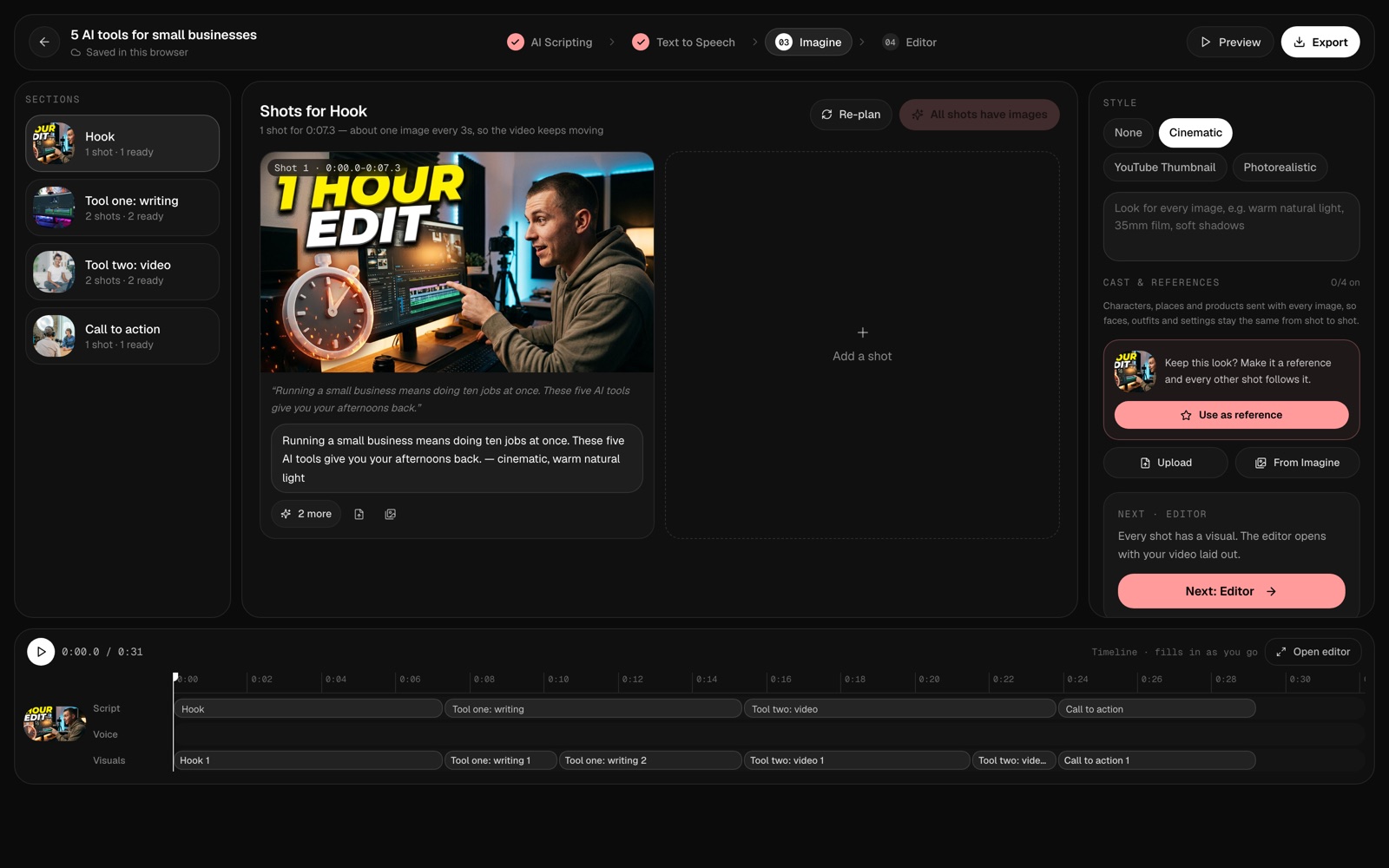
Where your studio work is saved
Video studio edits are saved in this browser on this device. Open the project on the same browser to keep working, and export your video when it’s done.