Lesson 5 of 5
Edit, export and publish
Finish the video in the editor and export it.
Edit
In the editor, tighten the timeline: cut pauses, make sure every image matches what the voice is saying, and turn on captions — many people watch without sound.
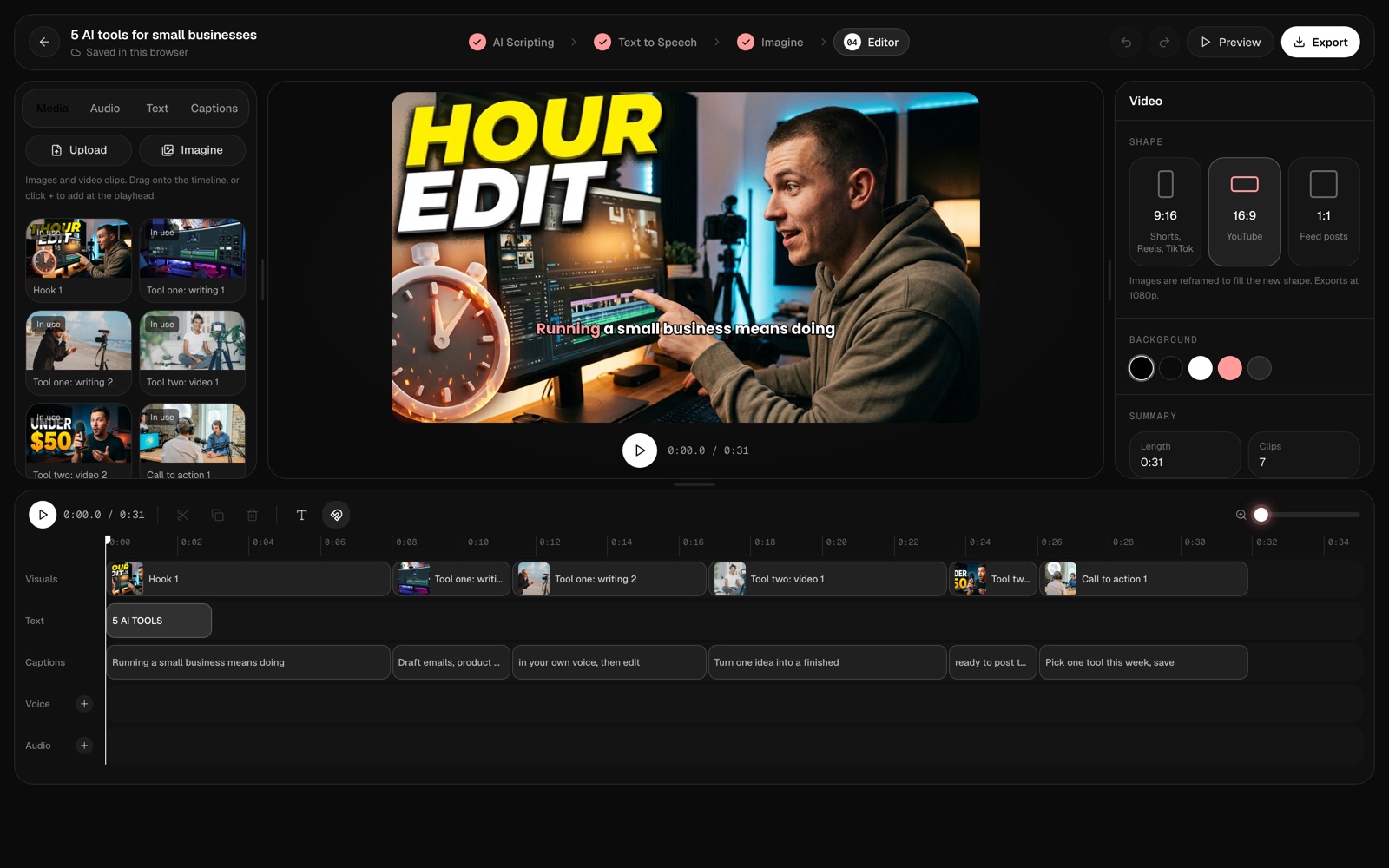
Export
Export at 1080p. Make a 9:16 version too for Shorts — switch the shape in the editor and the images are reframed for you.
Keep going
Post on a schedule. Reuse your prompts, voice and thumbnail style so each new video is faster than the last.