Creators
Consistent characters in AI images: a practical guide
October 27, 2026 · Lazyzonelabs Team · 1 min read
Nothing breaks a story faster than a main character who looks different in every shot. References fix that.
Start with a good reference
Use a clear, well-lit image: one face or one product, nothing else in the frame competing for attention.
Mention it by name
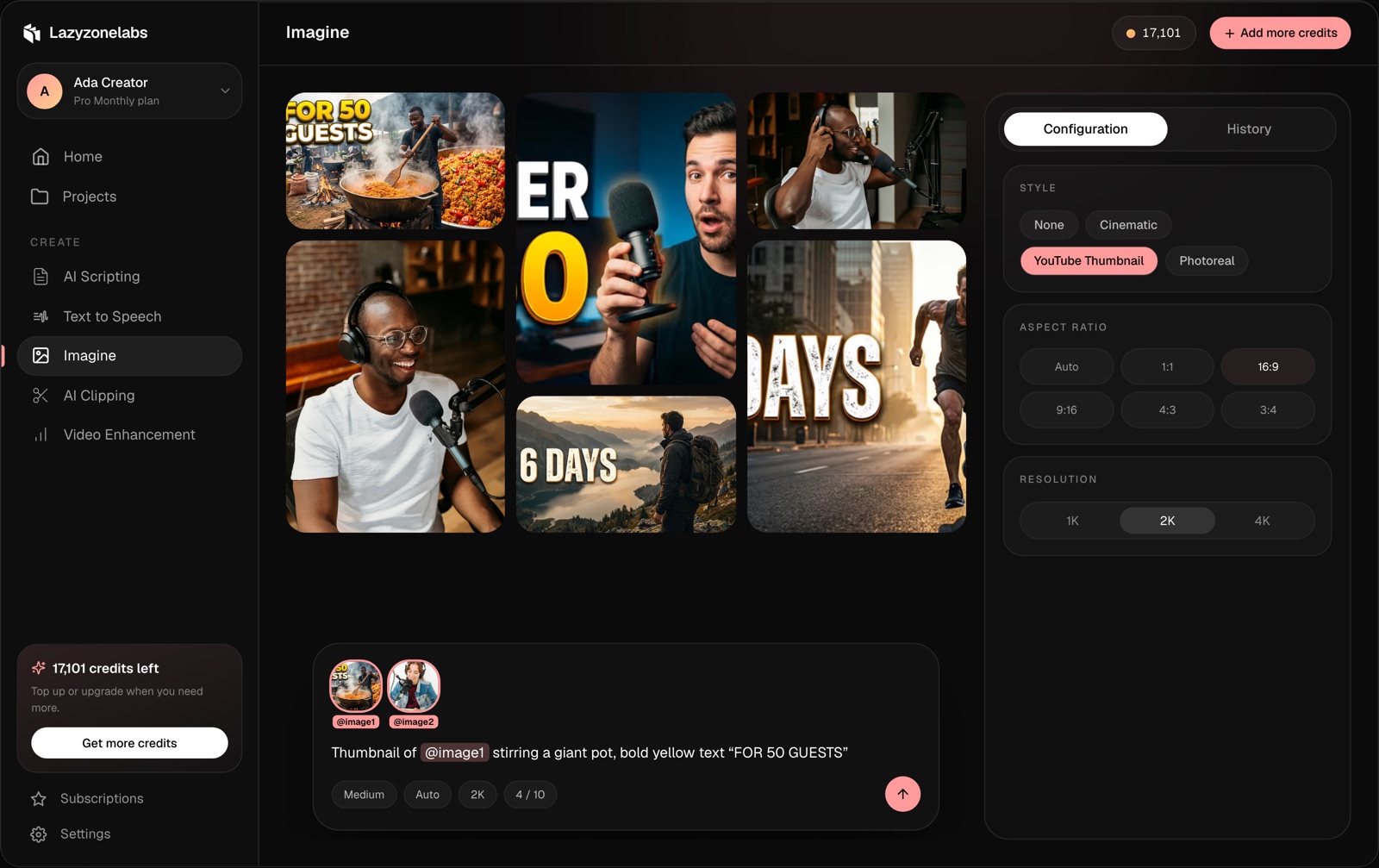
In Imagine, add the image as a reference and type @ in your prompt to use it:
Example prompt
@image1 walking through a busy market at sunset, cinematic
Reuse it everywhere
Use the same reference for every scene in a video. Change the setting, the action and the camera — not the character.
Combine references
Put a character and a product together:
Example prompt
@image1 holding @image2, studio lighting, product shot
Match the shape to the platform
Generate at 9:16 for Shorts, Reels and TikTok and 16:9 for YouTube, so you don’t lose the subject when the image is cropped.
Read the full guide: Use reference images.